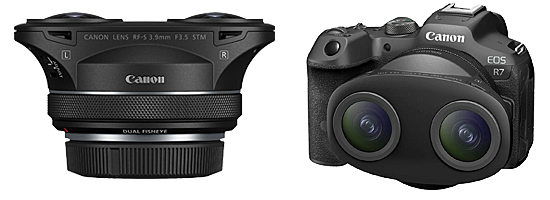
VR 3D180 Photographs
A rotating selection of 180-degree forward-facing field of view (VR180) photographs.
With the Canon EOS VR Utility (currently version 1.8.0) the VR 3D180 images can be exported at 8162*8162*2 (67MP per eye).
These can then be compressed down to 10MB in SPM
All photographs are Copyright © to Jeff Ewen and are used with permission. All rights reserved.
- Viewer Quick Reference (click/tap to show)
| Menu | Dropdown | Key | Function |
|---|---|---|---|
| Full | Enter | Full-Screen mode (if supported by your browser) | |
| Size | |||
| Fit | F | Fit to Screen size | |
| - | - | Zoom out | |
| + | + | Zoom in | |
| Stereo | S | Dropdown menu for the stereo viewing method |
|
| SBS | Side by side (Computer monitor, Tablet, Large Print or Smart Phone 3D and VR Viewers) | ||
| LR/RL | Stacked SBS for Parallel/Cross view (free-viewing) | ||
| Dubois | Dubois Colour Anaglyph (Red-Cyan glasses required) | ||
| Colour | Colour Anaglyph (Red-Cyan glasses required) | ||
| Grey | Grey Anaglyph (Red-Cyan glasses required) | ||
| H_Int. | Row Interlaced (Cinema 3D, Passive 3D monitor and Circular Polarised glasses required) | ||
| V_Int. | Column Interlaced (3DLCD, Acer SpatialLabs) | ||
| 2D | Single Image View | ||
| Prev | Back space | Previous Image | |
| Next | Space Bar | Next Image | |
| M | Show/Hide menu buttons |

Click or tap on any photograph showing this icon to launch the HTML5 Stereo Viewer
- 3D180 Viewer Quick Reference (click/tap to show)
| Menu | Dropdown | Key | Function |
|---|---|---|---|
| Full | Enter | Full-Screen mode (if supported by your browser) | |
| Tch | Head tracking ⇐⇒ touch scrolling switch when on a phone | ||
| Stereo | S | Dropdown menu for the stereo viewing method |
|
| SBS | Side by side (Computer monitor, Tablet, Large Print or Smart Phone 3D and VR Viewers) | ||
| LR/RL | Stacked SBS for Parallel/Cross view (free-viewing) | ||
| Dubois | Dubois Colour Anaglyph (Red-Cyan glasses required) | ||
| Colour | Colour Anaglyph (Red-Cyan glasses required) | ||
| Grey | Grey Anaglyph (Red-Cyan glasses required) | ||
| H_Int. | Row Interlaced (Cinema 3D, Passive 3D monitor and Circular Polarised glasses required) | ||
| V_Int. | Column Interlaced (3DLCD, Acer SpatialLabs) | ||
| 2D | Single Image View | ||
| Prev | Back space | Previous Image | |
| Next | Space Bar | Next Image | |
| M | Show/Hide menu buttons | ||
| Shift + Arrow keys | Position adjustment of left and right images | ||
| Shift + K/L key | Rotation adjustment of left and right images | ||
| Home key | Adjustment value clear | ||
| Mouse (PC) | Mouse wheel | Zoom in/out | |
| Double click | Show/Hide menu buttons | ||
| Mouse drag | Scroll through the images | ||
| Touch Screen | Pinch | Zoom in/out | |
| double taps | Show/Hide menu buttons | ||
| Touch scroll | Tch <-> Dev button, You can switch between touch scrolling <-> head tracking. Even in head tracking mode, you can do horizontal touch scrolling |

Click or tap on any photograph showing this icon to launch the HTML5 3D180 Viewer
Mouse Scroll/Finger Pinch or Spread to move in and out, Mouse/Finger drag to look up, down, left, right. The perspective changes to follow your point of focus
| Fisheye | Fisheye->Equirectangular | VR 3D180 |
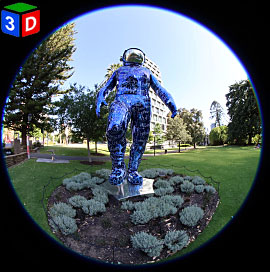 Boonji Spaceman |
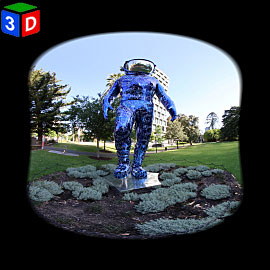 Boonji Spaceman |
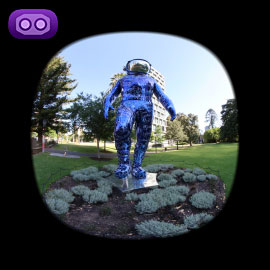 Boonji Spaceman |
| Fisheye | Fisheye->Equirectangular | VR 3D180 |
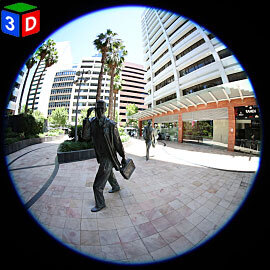 Footsteps in Time |
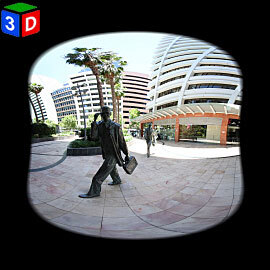 Footsteps in Time |
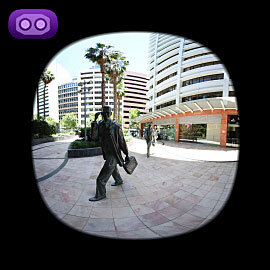 Footsteps in Time |
| Fisheye | Fisheye->Equirectangular | VR 3D180 |
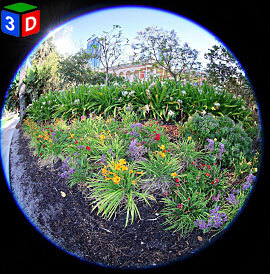 Supreme Court Gardens |
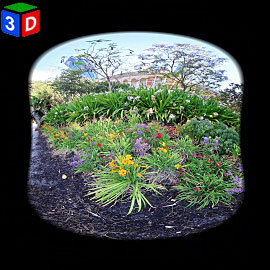 Supreme Court Gardens |
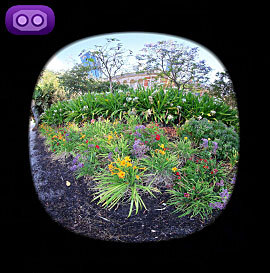 Supreme Court Gardens |
| Fisheye | Fisheye->Equirectangular | VR 3D180 |
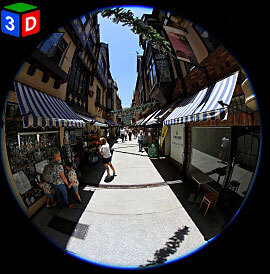 London Court |
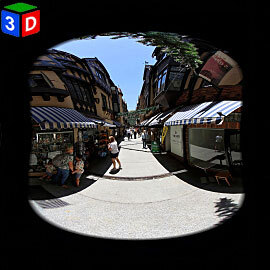 London Court |
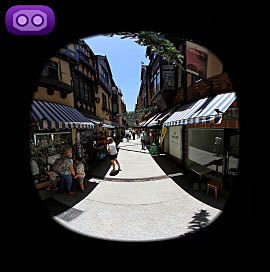 London Court |
| Fisheye | Fisheye->Equirectangular | VR 3D180 |
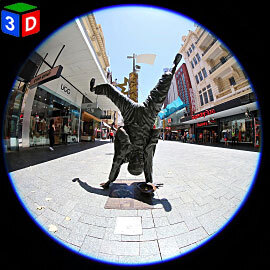 Percy Button |
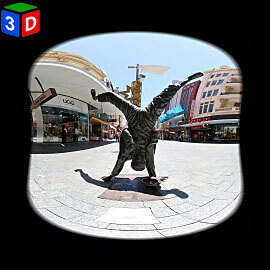 Percy Button |
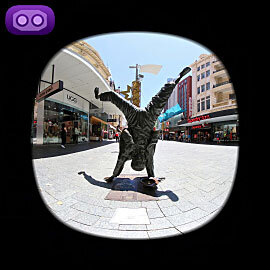 Percy Button |
| Fisheye | Fisheye->Equirectangular | VR 3D180 |
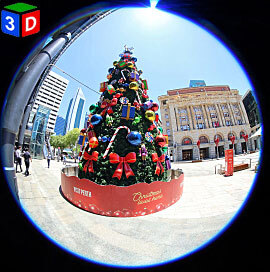 Forrest Place Xmas |
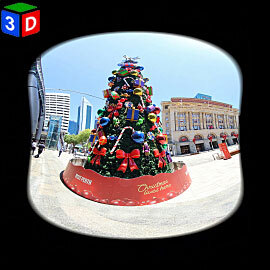 Forrest Place Xmas |
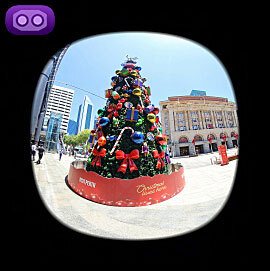 Forrest Place Xmas |
| Fisheye | Fisheye->Equirectangular | VR 3D180 |
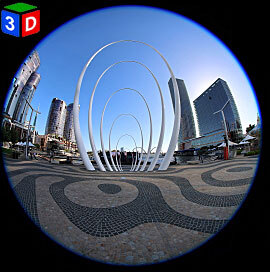 Spanda |
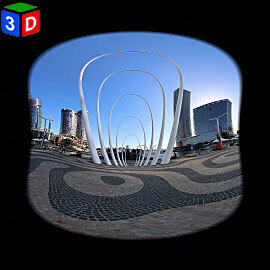 Spanda |
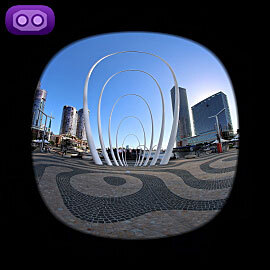 Spanda |
| Fisheye | Fisheye->Equirectangular | VR 3D180 |
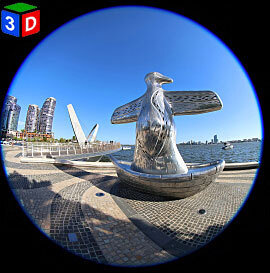 First Contact |
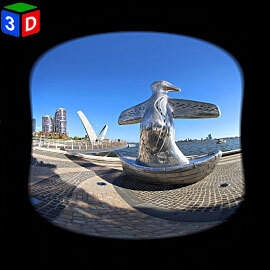 First Contact |
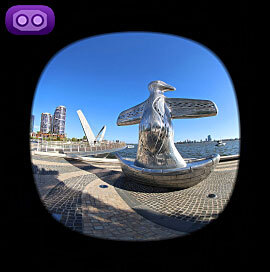 First Contact |
| Fisheye | Fisheye->Equirectangular | VR 3D180 |
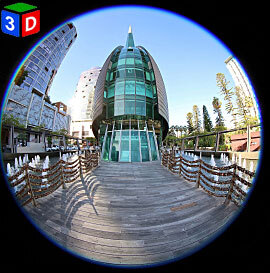 The Bell Tower |
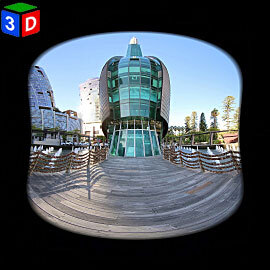 The Bell Tower |
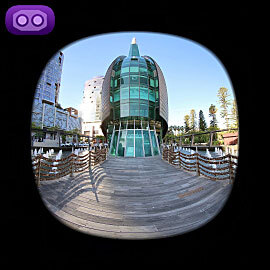 The Bell Tower |
| Fisheye | Fisheye->Equirectangular | VR 3D180 |
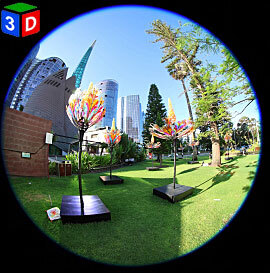 Barrack Squsre |
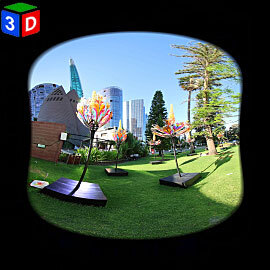 Barrack Squsre |
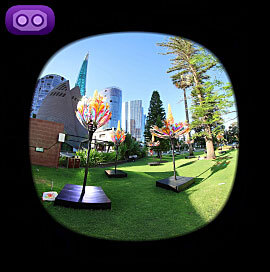 Barrack Squsre |
| Fisheye | Fisheye->Equirectangular | VR 3D180 |
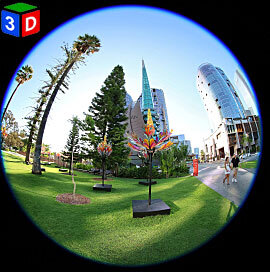 Barrack Squsre |
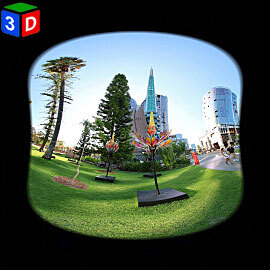 Barrack Squsre |
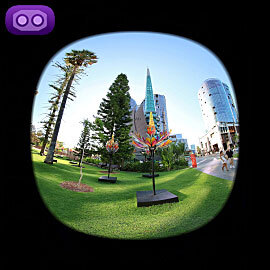 Barrack Squsre |
| Fisheye | Fisheye->Equirectangular | VR 3D180 |
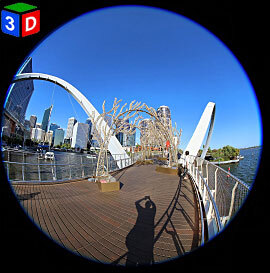 Entrance Walkbridge |
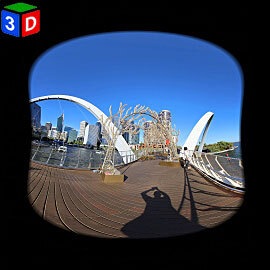 Entrance Walkbridge |
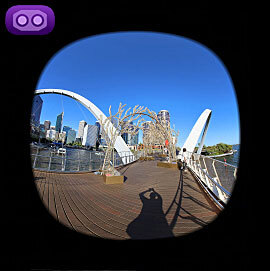 Entrance Walkbridge |
| Fisheye | Fisheye->Equirectangular | VR 3D180 |
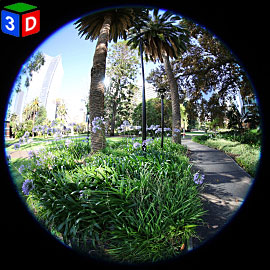 Stirling Gardens |
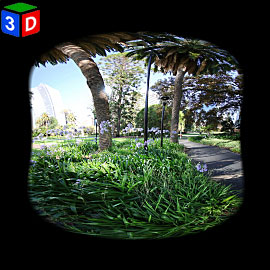 Stirling Gardens |
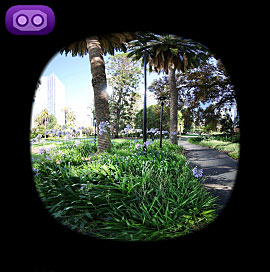 Stirling Gardens |
| Fisheye | Fisheye->Equirectangular | VR 3D180 |
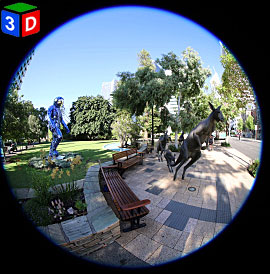 Kangaroos Sculpture |
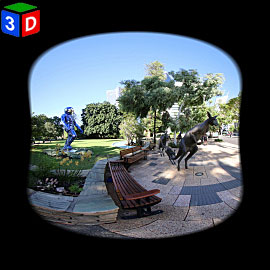 Kangaroos Sculpture |
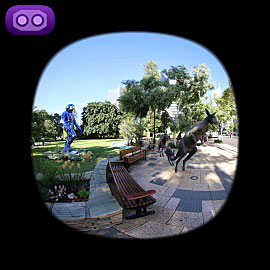 Kangaroos Sculpture |
| Fisheye | Fisheye->Equirectangular | VR 3D180 |
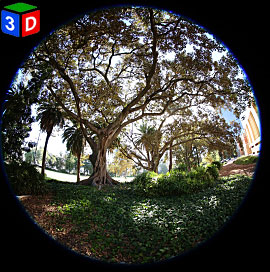 Morton Bay Fig |
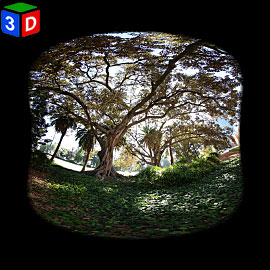 Morton Bay Fig |
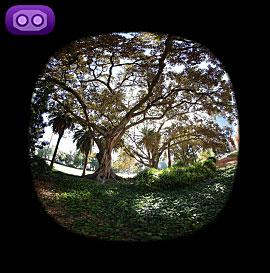 Morton Bay Fig |